Kitchen mode
Kitchen dashboard
Your kitchen
- Today's orders
- 0
- Today's sales
- R0
On a break
Setup checklist
Finish the first five tabs to go live.
- Business informationBusiness tab
- ID verificationBusiness tab
- Service townsLocations tab
- Pickup addressLocations tab
- Trading hoursBusiness tab
- Logo and coloursCustomise tab
- Monthly subscriptionBilling tab
- Payout verificationPayout tab
About you
These come from your account.
- First name and surname
- Mobile number
Service town
Your pickup address is searched inside this town.
Business address
Where customers collect pickup orders. It is also the physical address we show customers.
Add a service town above first. Your pickup address must be in your service town.
Your pin is on the address. You can now move it.
Drag the pin, or tap the map where customers should collect. Customers see this map. Reset pin puts it back on the address you searched.
Preview
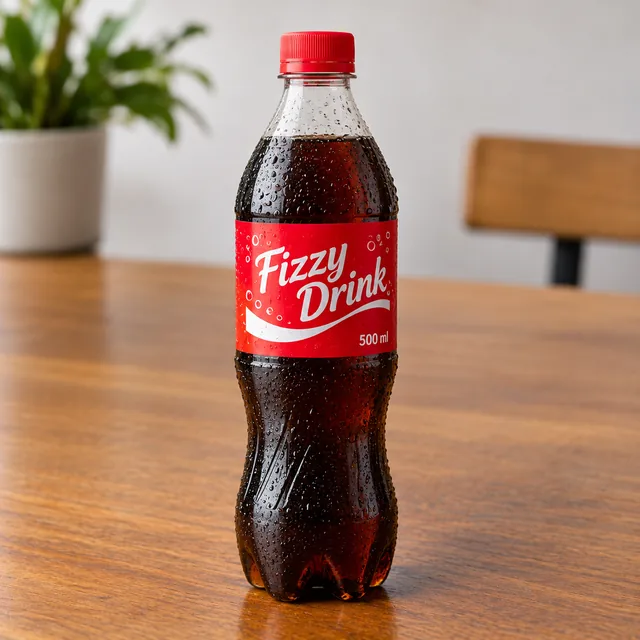
This is what a customer sees once they add your business. It updates as you change your colours or logo. The food pictures are only examples.
Your business
Specials

Burger and drink combo
R65,00 R55,25
Scheduled days
Wed 4 Mar
Orders openOrder before 09:00 for lunch
Your schools
Subscription
You'll be taken to Paystack to enter your card details. The amount shown above is charged immediately to start your subscription.
Payout account
Add the bank account Paystack should pay out to.